Create Amazing Art That Tells Epic Stories!
Kids will develop pro-level illustration skills, build concept art, comic pages, game assets, and animation-ready portfolios
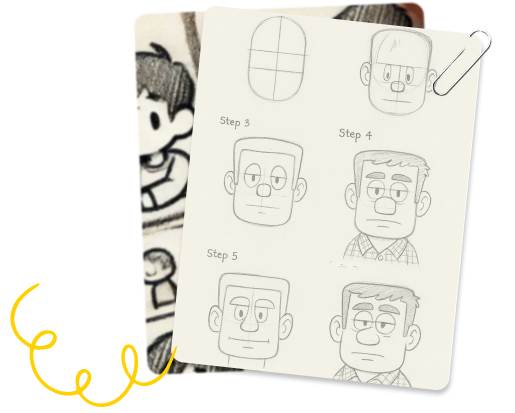
What Kids Will Learn

Advanced illustration tools (Photoshop/Procreate)

Character design, world-building, & environment art

Digital painting, visual storytelling, and storyboarding

Game assets, concept art, photo manipulation

Final Project: A professional-level art portfolio + exhibition
Curriculum Overview
Explore expert tools and stories in the ZuperClub Library — free with any ZuperKidz program.
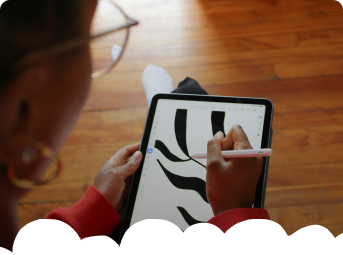
Session 1
Welcome to Digital Art
- Canva as a design playground
- Paper vs digital basics
Project: “My Avatar”
Passport Stamp #1 – First Digital Character Complete
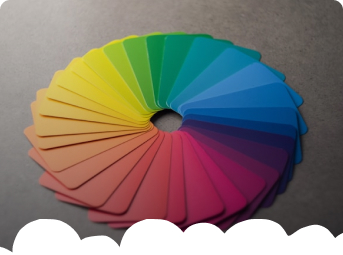
Session 2
Color Magic
- Color picker and palette building
- Mood-based digital coloring
Project: “Mood Color Boards”
Passport Stamp #2 – Emotional Color Schemes
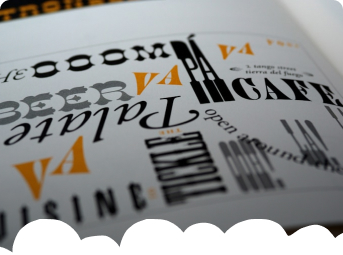
Session 3
Typography That Talks
- Fonts, effects, and comic typography
Project: “My Character Name Designs”
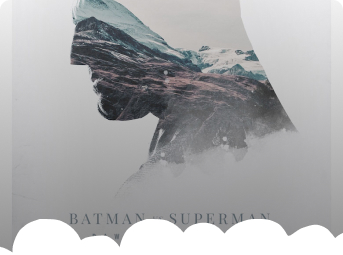
Session 4
Poster Power
- Layout, balance, and message posters
Project: “Movie Poster for My Story”
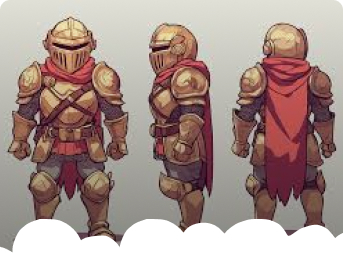
Session 5
Game Character Design
- Create game characters, icons, and villains
Project: “My Dream Game Characters”
Passport Stamp #3 – Character Set Complete
Session 6
Digital Drawing + AI Concepts
- Layers, masking, brushes + AI for ideation
Project: “AI-Inspired Character”
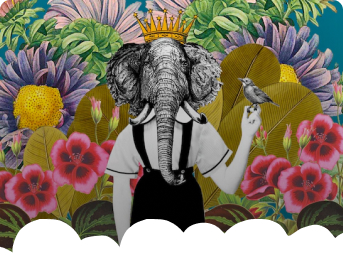
Session 7
Photo Magic & Collage
- Mixed media creation with photos and sketches
Project: “My Story World Collage”
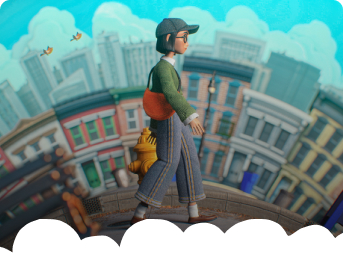
Session 8
Animation Basics & Motion
- GIFs, motion text, and transitions
Project: “My First Animated Poster”
Passport Stamp #4 – Animation Complete
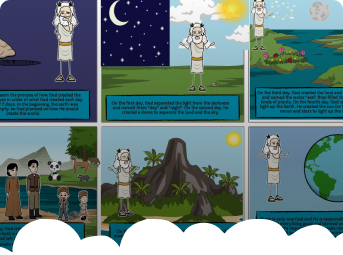
Session 9
Storyboard Creation
- Story sequence and panel planning
Project: “My Digital Story Plan”
Passport Stamp #5 – Story Sequence Created
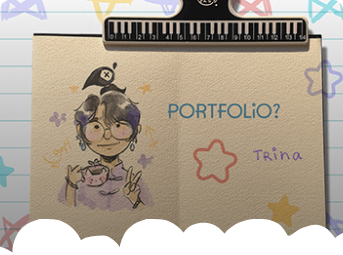
Session 10
Portfolio Showcase
- Present best works with feedback
Project: “My Digital Art Portfolio”
ZuperDesigner Badge
Passport Stamp #6 – Portfolio Complete

WeeklyMini-Tasks
Shared via Juice Kit/WhatsApp group (5–10 minutes/day)


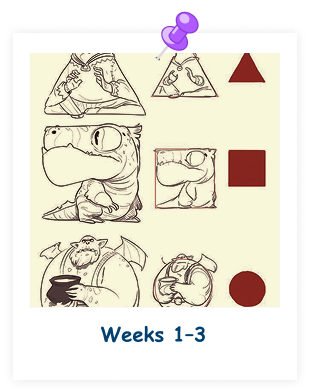
Speed Sketch, Lighting Study, Style Remix
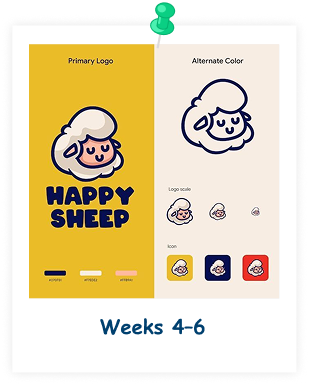
Thumbnail Concepts, Color Emotion Strip, Logo Design Draft
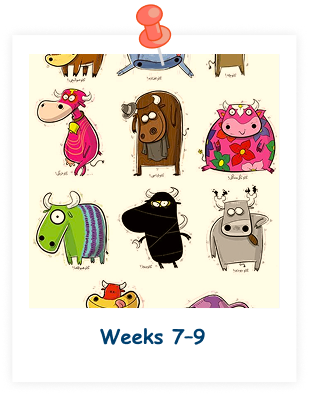
Genre Illustration, Expression Variants, Environment Visualization

Monthly Challenges (15–20 mins)
Month1
Professional Character Sheet

Month2
Story Environment

Month3
Concept Art Piece

Month4
Personal Style Showcase
Celebration Moments
Celebrate creativity, confidence, and community with fun weekly highlights and reflection circles.

Artist Critique Circles

Technique Swap Sessions

Before & After Wall
ZuperVisualist Master Badge + Certificate
What Makes
ZuperCreators Weekend-Ready
From hands-on kits to guided sessions, every piece is crafted to spark imagination, build confidence, and turn weekends into wonder-filled adventures.
10 Live Weekend Sessions
ZuperJuice Kit (Level 2 Goodies)
ZuperPassport Progress Tracker
Mentor Feedback + AI Awareness

Certificate + Designer Badge
End-of-Course Deliverables

ZuperVisualist Art Portfolio PDF & Online Gallery
A sleek digital collection of your best work posters, characters, animations, and more!

Juice Kit: Templates, textures, and creative tools
Cool design goodies like storyboards, stickers, and creative templates to keep the ideas flowing even after class.

ZuperVisualist Master Badge & Certificate
Cool design goodies like storyboards, stickers, and creative templates to keep the ideas flowing even after class.

Completed Progress Passport
Your personal achievement tracker with all six stamps a fun way to see how far you’ve come!
Why Parents
Love ZuperCreators
Hear from parents who’ve watched their kids grow into confident, creative thinkers one weekend at a time.


She mastered Canva in no time now she’s the family’s go-to designer!



- Shalu
Chennai
He designed and animated his own game characters now he dreams of building a full game!

- Praveen
Bangalore
Got Questions?
We've Got You!
Everything parents usually ask answered simply and clearly.
Not at all! The program is beginner-friendly and designed to help kids start from scratch and grow with guidance.
We provide class recordings or offer catch-up support so your child stays on track.
A tablet, laptop, or desktop with internet is enough. A stylus is optional but helpful.
Yes, we use kid-safe, age-appropriate AI tools with complete guidance and supervision.
Software & Hardware Requirements
For ZuperVisualists—"Story "Artists" (Professional illustration, concept art, game visuals & storytelling)

Adobe Photoshop
(for digital painting & illustration)

Procreate
(for digital painting & illustration)

Canva
(for visual inspiration and references)

MidJourney
(for digital painting & illustration)

ChatGPT
(for concept ideation, story prompts)

Google Slides
(for portfolio presentation & storytelling)

Laptop/Desktop
(minimum 8 GB RAM; 16 GB recommended for smooth performance)

Drawing Tablet
(Wacom or similar – highly recommended for precision drawing)

Stylus Pen
(if using a tablet or touchscreen device)

Headphones with Mic
(for review sessions or optional audio features)

Stable Internet Connection
(for accessing AI tools, cloud storage, and submissions)
